
.wordpress.com, or you manage it at wordpress.com). If your site runs its own WordPress, use WordPress.org instead.
There is no password to copy: you sign in to WordPress.com and click Connect.
What you need
- A WordPress.com account that can publish posts on the site (Administrator or Editor).
Connect
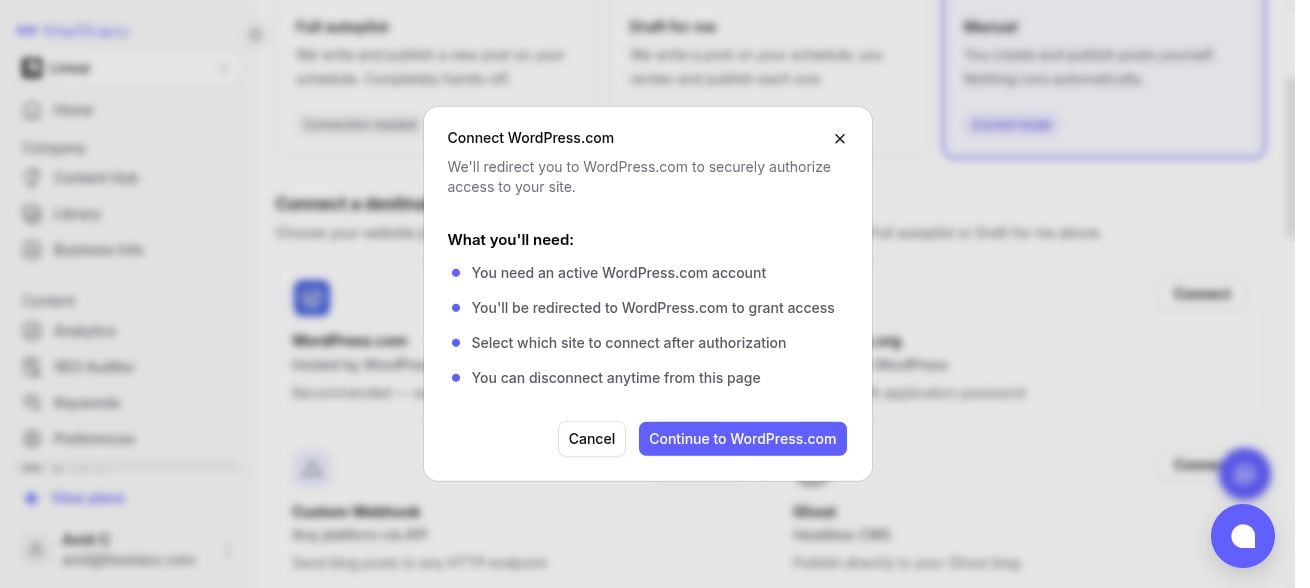
The WordPress.com connection in theStacc.
- In theStacc, open Content SEO > Settings > Publishing.
- On the WordPress.com card, click Connect, then Continue to WordPress.com.
- Sign in to WordPress.com. You see a Connect Fairview screen (Fairview is the company behind theStacc). Check the account shown is the one that owns your site, then click Connect.
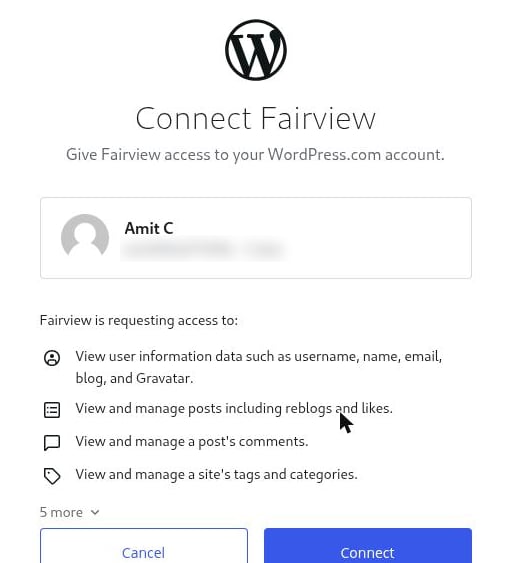
WordPress.com asks you to connect Fairview, the company behind theStacc. Click Connect.
- If your account has more than one site, pick the site to publish to.